Filing Cabinet
Secure document storage with categories, e-signatures, and auto-filing. Contracts, payslips, policies, and certificates — organised, searchable, and always accessible.
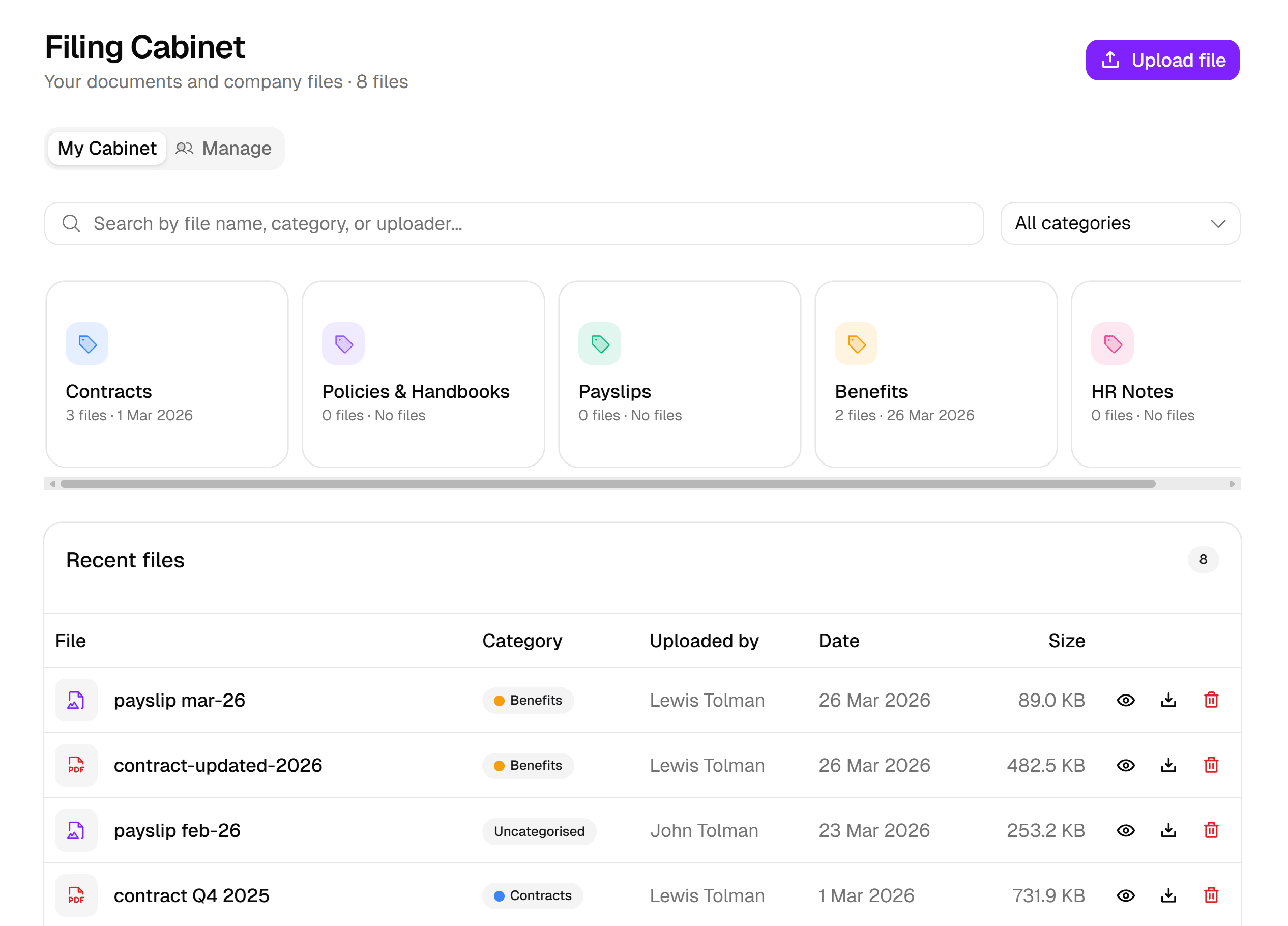
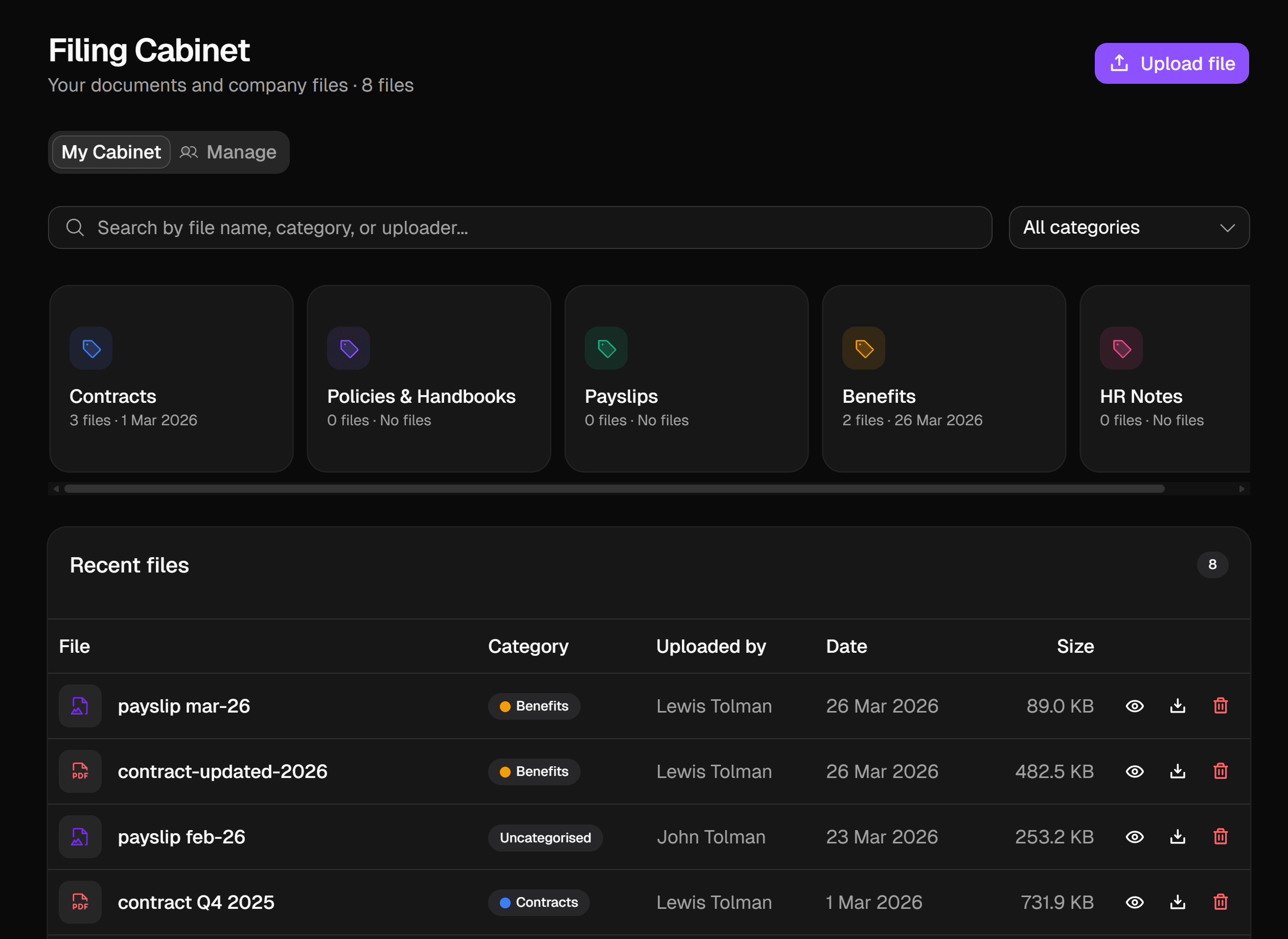
Every document, where it belongs. Upload, organise, sign, and auto-file — no more shared drives or email attachments.
01
Document categories
Contracts, payslips, policies, handbooks, benefits — organise files into categories with colour-coded cards. Create as many as you need.
02
Employee cabinets
Every employee gets their own filing cabinet. Personal documents stay private. Company-wide documents are shared. Admins see everything.
03
E-signatures
Send documents for signature directly from Luna HR. Employees draw or type their signature. The signed document and audit trail are stored automatically.
04
Auto-filing
Expense receipts, fit notes, and training certificates are filed automatically when approved or completed. No manual uploads needed.
05
Search and filter
Find any document instantly by name, category, or uploader. Filter by date, file type, or category across your entire cabinet.
06
Secure storage
Documents are stored securely in Convex cloud storage. Access is scoped by role — employees see their own files, admins see everything.
The filing cabinet, up close. Every flow — from upload to signed, auto-filed document.
Categories
Expense Receipts
284Fit Notes
18Training Certificates
142Contracts
6201
Documents that file themselves
Receipts from expenses, fit notes from sick leave, certificates from training, signed contracts from HR — all routed straight into the right category.
Sent
Signed
Filed
Document
Employment contract — Olivia Chen
Signed by Olivia Chen
17 Apr 2026 · 14:02 BST
Emailed to Olivia Chen for signature
02
Send, sign, filed
Self-hosted e-signature — no extra licence, no third-party exports. The signee draws, Luna stores the signature PNG plus an audit log, and the signed document lands in the right category automatically.
Viewing as

Olivia Chen
Engineering · London
- 14
My documents
Only you · Only you
- 24
Payslips
Only you · Only you
- 37
Engineering playbooks
Team · Engineering
- 22
London handbooks
Office · London office
- 41
Company policies
Company-wide · Everyone
- 8
Safeguarding
Team · People team only
03
Shared categories, personal ones too
Scope every category to the right audience — company-wide, office, team, or strictly personal. Two people in the same office can see different cabinets based on role.
Frequently asked questions
What can I store in the filing cabinet?
Any document related to an employee or to the company — contracts, policies, certificates, fit notes, expense receipts, training certificates, signed forms. Documents are categorised, searchable, and version-controlled.
Does Luna HR support e-signatures?
Yes — natively. Send a document for signature from the filing cabinet, the signee draws or types their signature, and the signed PNG is stored against the document with an audit log. No external e-signature service required.
Are documents auto-filed?
Yes for several modules. Expense receipts are filed on report approval; fit notes are filed on sickness absence submission; training certificates are filed on course completion. All without admin action.
Can I set retention rules on documents?
Yes. Each document category has a retention period; Luna HR automatically flags documents past retention for review or deletion. This supports UK GDPR compliance.
Are documents encrypted at rest?
Yes. All documents are encrypted at rest using AES-256, with TLS 1.2+ in transit. Access is logged in the audit trail.